
Report Builder (rtm) – Driver Commission Report in Sales In...Report Builder (rtm) – Driver Commission Report in Sales Invoice Listing (Full Version)
Report Customize July 10, 2026
Report Builder (rtm) – Basic Guideline for Creating a Simpl...Report Builder (rtm) – Basic Guideline for Creating a Simple Sales Invoice Format
Report Customize July 10, 2026
How to backup SQL Account databaseHow to backup SQL Account database
Tools & Settings July 10, 2026

DIY FIELDS – SQL Accounting SoftwareDIY FIELDS – SQL Accounting Software
Tools & Settings July 10, 2026

Special feature – PRIVACY CONTROL on transactions, tailor made ...Special feature – PRIVACY CONTROL on transactions, tailor made for bosses
Tools & Settings July 10, 2026

Whatsapp Integration with SQL AccountWhatsapp Integration with SQL Account
Tools & Settings July 10, 2026

New View Feature – Enable Windows Task BarNew View Feature – Enable Windows Task Bar
Tools & Settings July 10, 2026
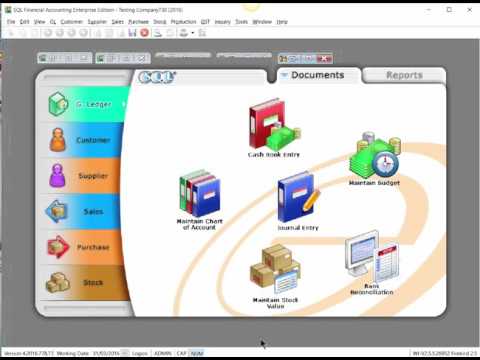
SQL Acc01 Maintain Acceptable Transaction DateSQL Acc01 Maintain Acceptable Transaction Date
Tools & Settings July 10, 2026
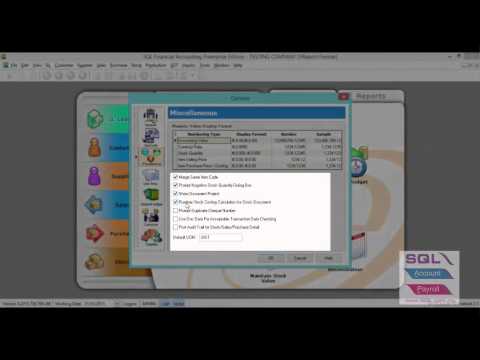
Tool Option InterfaceTool Option Interface
Tools & Settings July 10, 2026
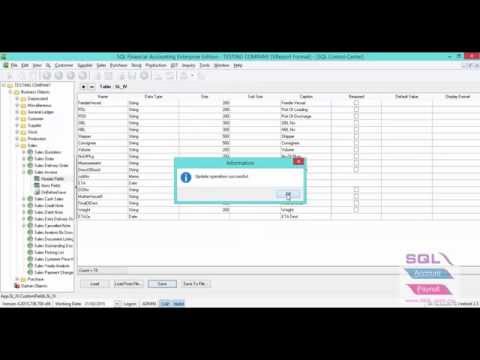
Load DIY Field & DIY ScriptLoad DIY Field & DIY Script
Tools & Settings July 10, 2026

Activate 5 Cents RoundingActivate 5 Cents Rounding
Tools & Settings July 10, 2026

Form Mode by Current Month vs Today OnlyForm Mode by Current Month vs Today Only
Tools & Settings July 10, 2026